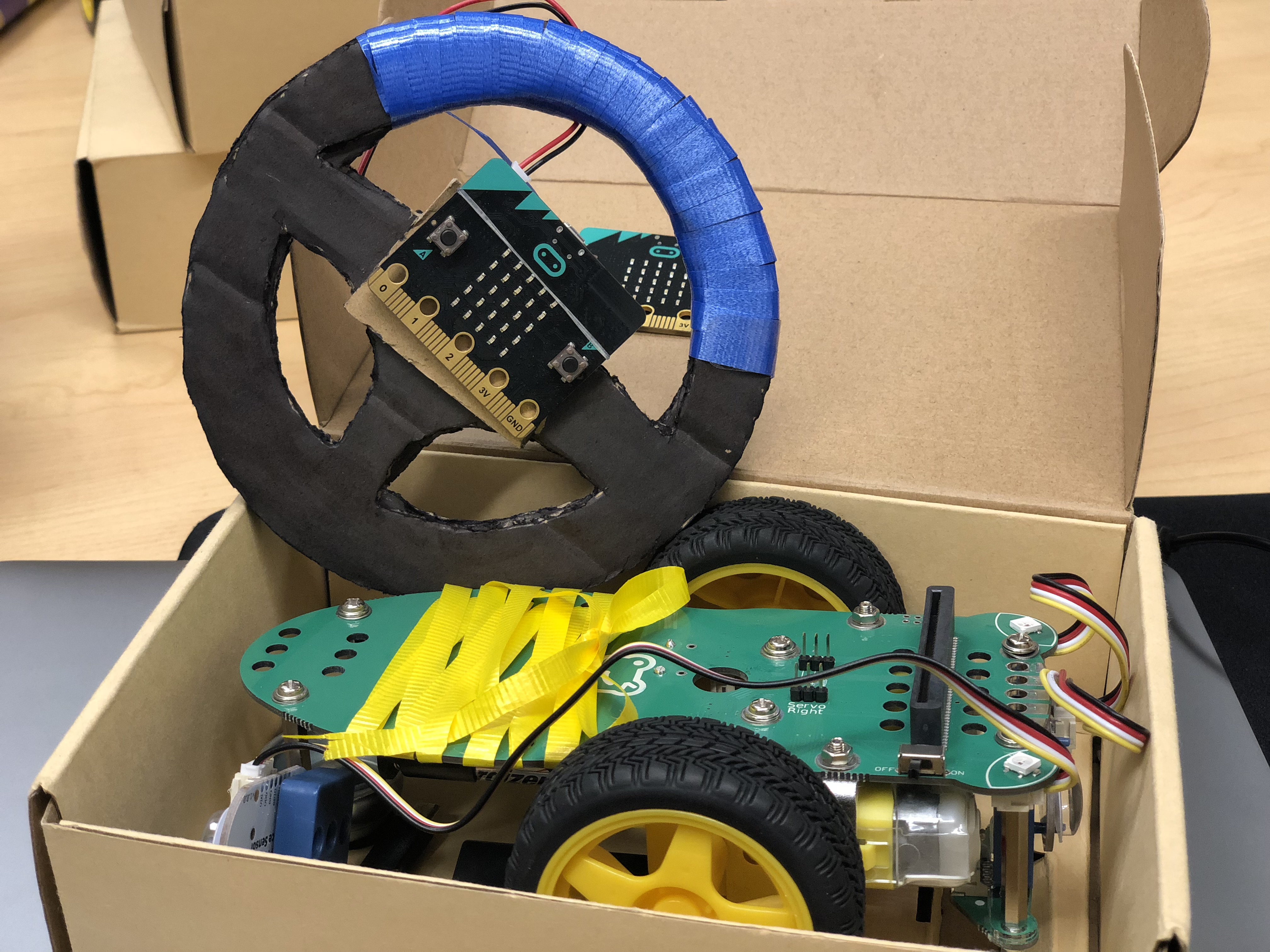
Below is my code for the final remote control, I went back to the old version and didn’t include the “pitch”=rotation()pitch function, since my last try didn’t work perfectly.
And here is my code for final Artbot, I decided to keep using the ” receiveNumber” instead of setting two different “key” name and give value to them.
I made my Artbot an entirely controlled robot by a user then the user can do whatever art they want to do with my Artbot
I am really happy about this project, there are so much new things that I learned through it, I didn’t know about how to use javascript, makecode and python to code a gigglebot, so it is excited to see my robot actually work with what I coded it to do.
And I figure out the different of Javascript python this two coding language, after I experience both of then.
For example to make the gigglebot move around, the Javascript code would be like:
 (gigglebot.driveMillisec(gigglebotWhichDriveDirection.Forward, 1000)
 (gigglebot.turnMillisec(gigglebotWhichTurnDirection.Right, 1000)
  (gigglebotWhichDriveDirection.Backward)
  (gigglebotWhichTurnDirection.Left)
However, with python, it turns out to be a little different. After import from the giggle-bot library, every code in python is short and clear, which with a command name (direction, ms).
from gigglebot import *
set_speed(75,75)
drive(FORWARD,1000)
drive(BACKWARD,1000)
microbit.sleep(1000)
turn(LEFT,500)
turn(RIGHT,500)
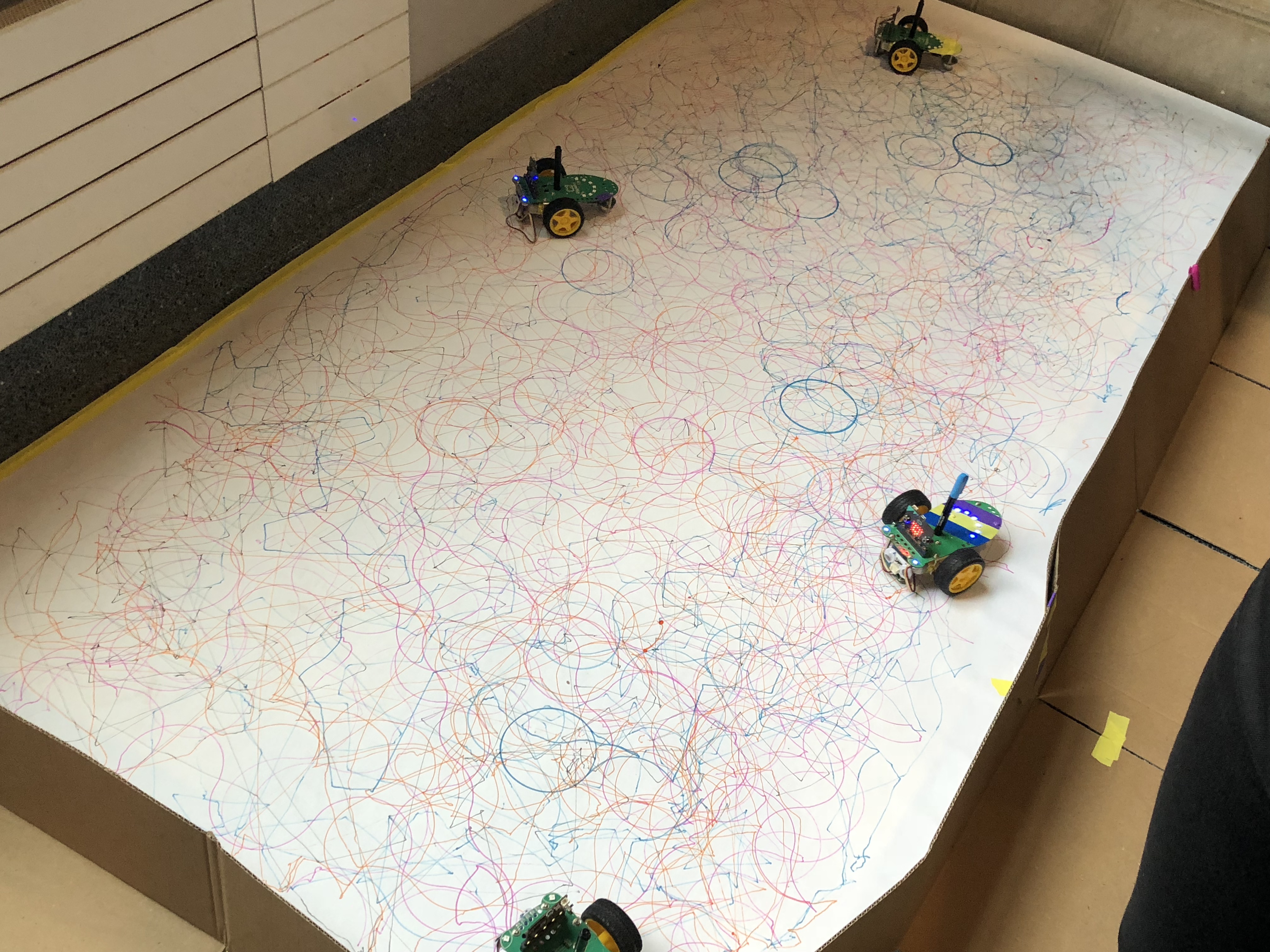
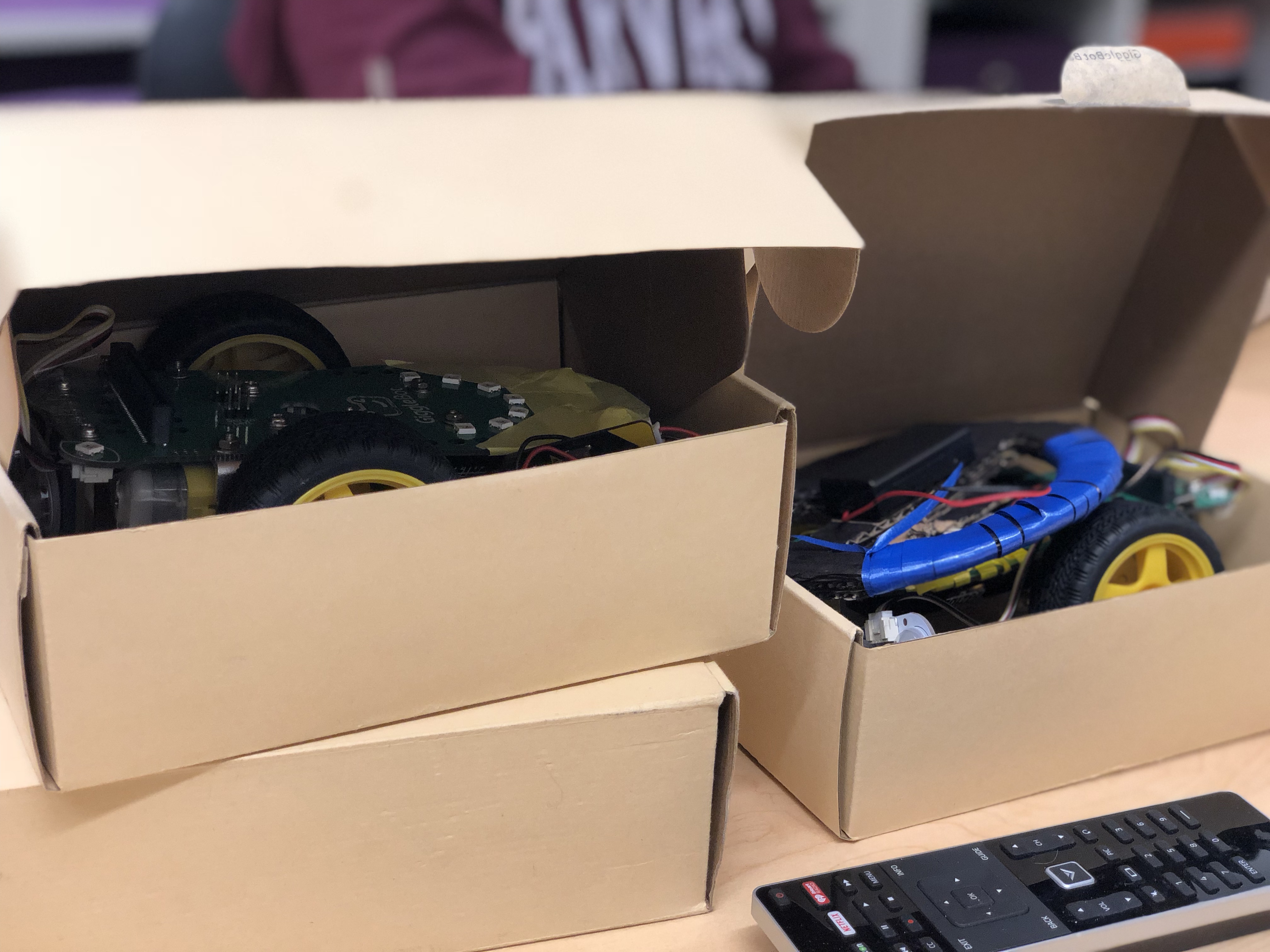
 ArtBots