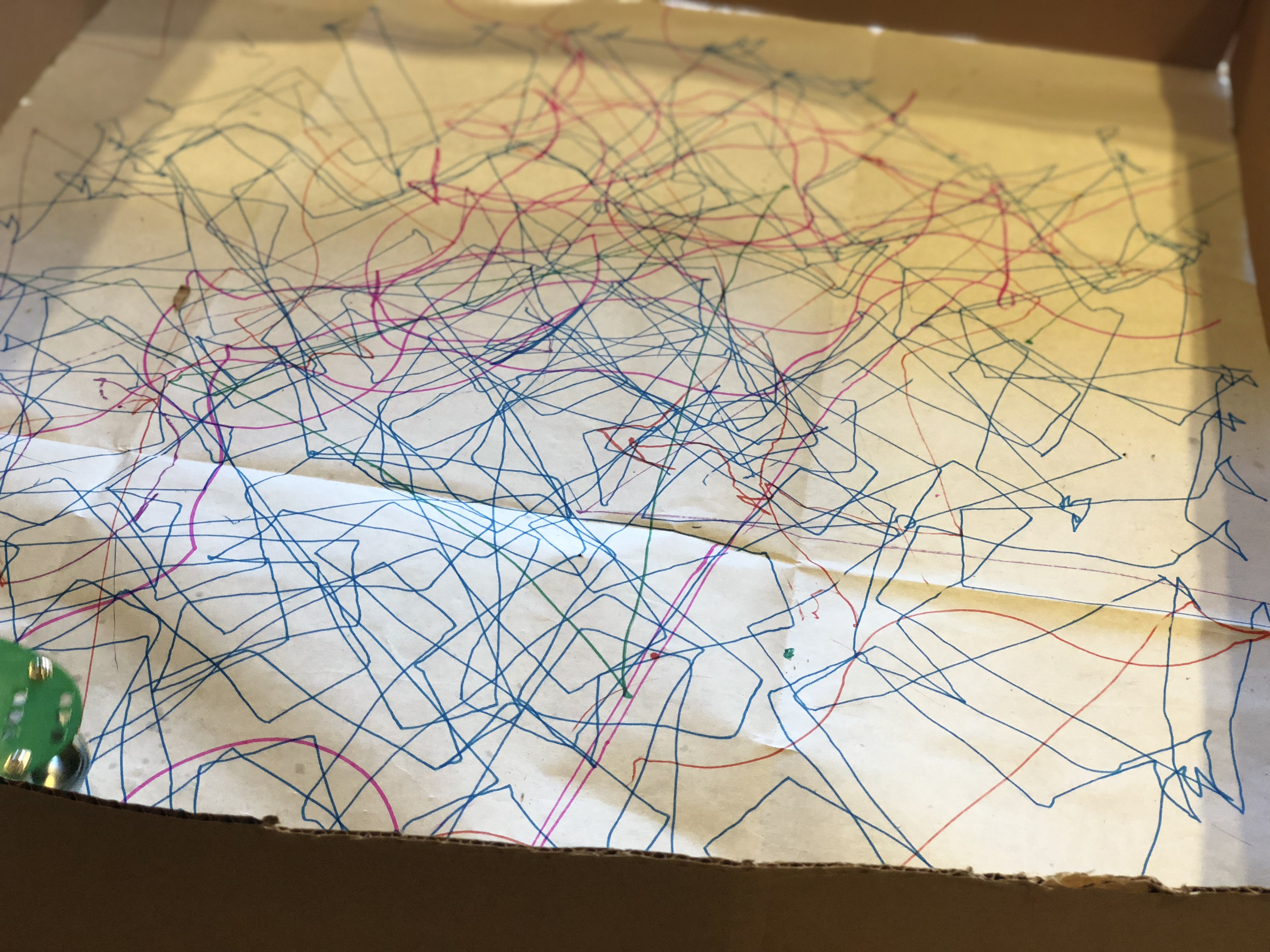
Adding distance sensor
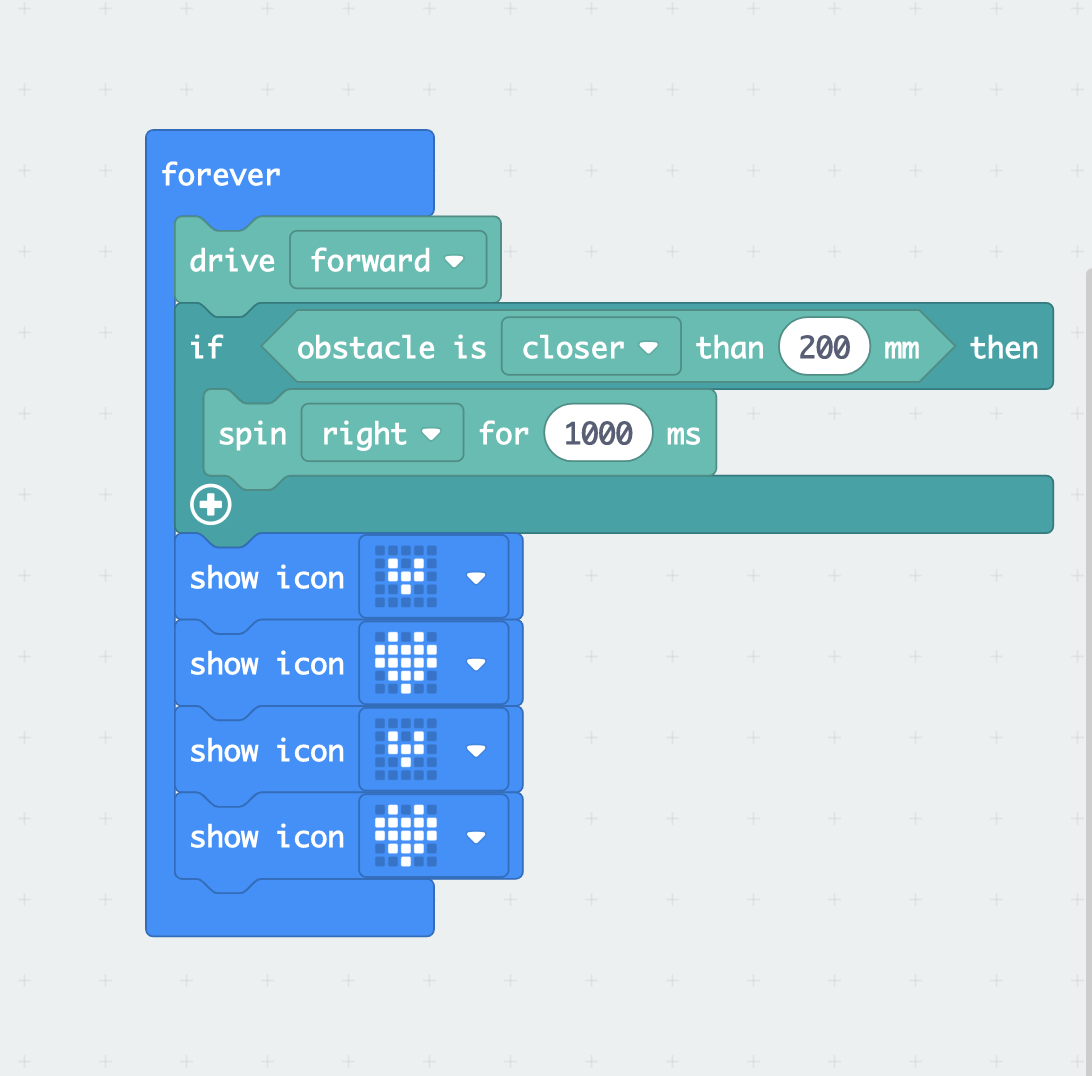
Today I put distance sensor on my Artbot, I was trying to figure out a nice way to combine the distance sensor and the pattern together. I used the code on the left to test the distance sensor, but at first I set the distance to the obstacle as 100mm. With the 100 mm distance, my can tell the distance sensor is working but it doesn’t react to the obstacle as quick as I want it to be. It will change the direct only when it’s already touch a obstacle.
Then I changed it to 200mm after testing, with this distance Artbot works much better than before. However, it doesn’t react consistently, sometimes it won’t react. I figure out the sensor is sensing the object by light sometime it might not be that accurate. So later on after all the tests we did, we figure out if we set the speed of both motors of the gigglebot to slower or slowest and set the obstacle to 300mm, it works much better and reduces the chance of making mistake.
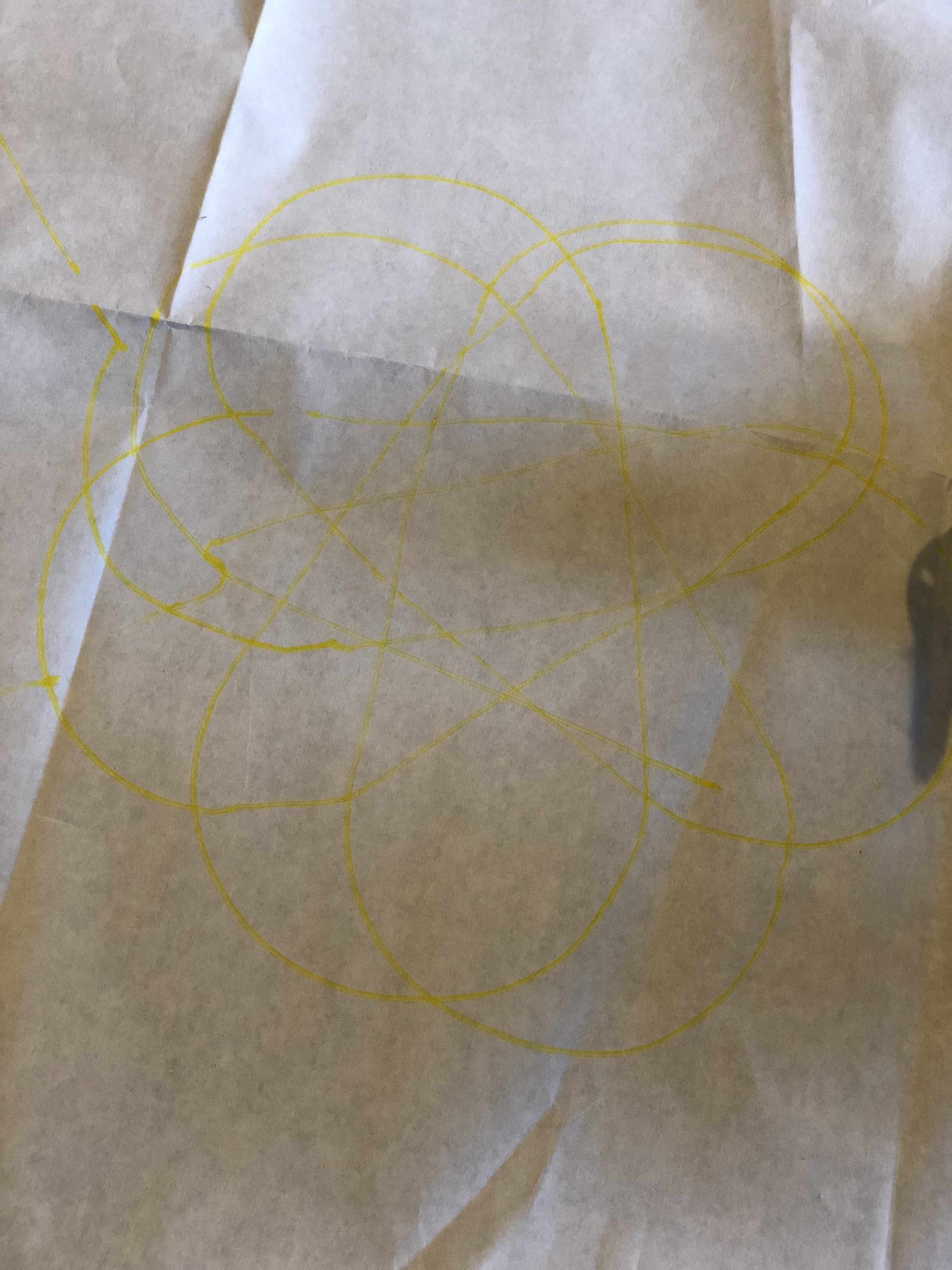
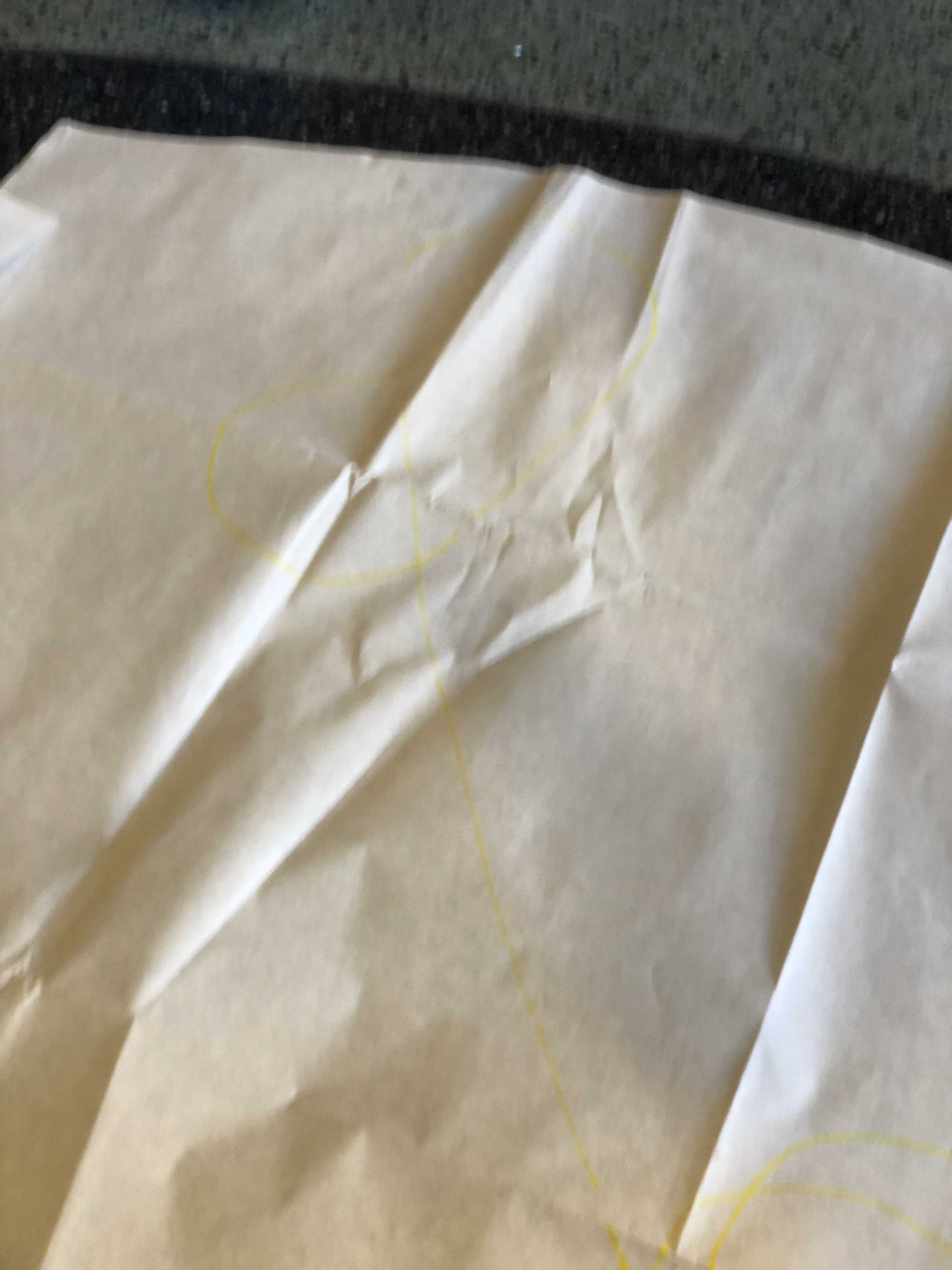
I kept my pattern as before, but I set the distance sensor as a trigger, so if my gigglebot senses there are obstacle then if will turn around and drive away and keep making the pattern at the new spot.
 ArtBots